
How much data does a 2-hour movie use? The full breakdown (2026)
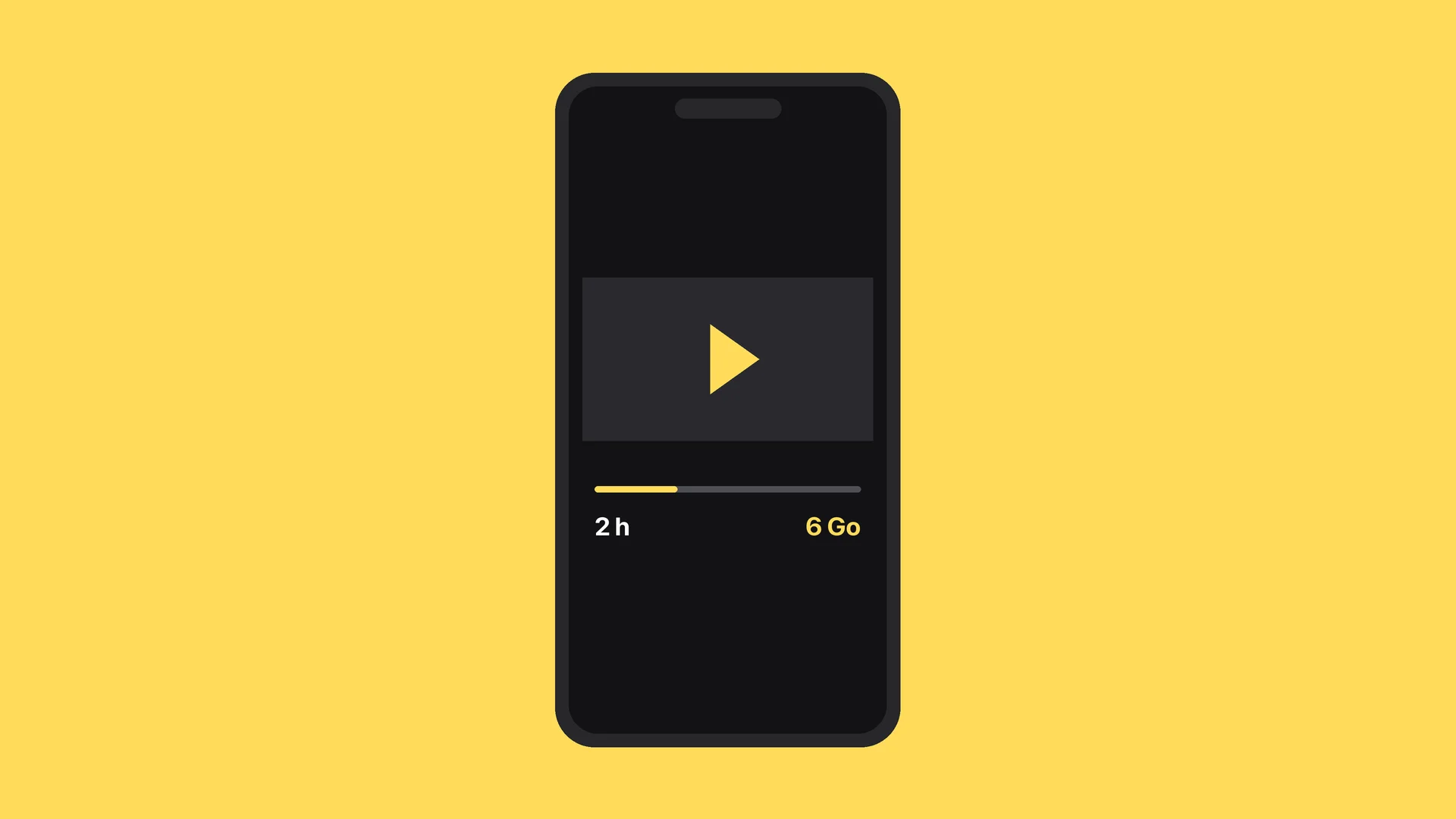
A 2-hour movie uses roughly 0.6 GB on reduced quality, 2 GB in standard definition, 6 GB in high definition and 14 GB in 4K, based on the settings Netflix publishes. On Disney+, the automatic mode climbs to 15.4 GB for the same running time.
Those figures shift with the platform, the quality setting and the device. In this guide we give the exact consumption per hour and per movie for each setting, the official Netflix and Disney+ values taken from the source, the real difference between streaming and downloading, how many movies fit in a 10, 20 or 50 GB plan, and the settings to change before you travel so you do not burn your whole data allowance in one evening.
How much data a 2-hour movie uses, quality by quality
Here is the direct answer, worked out from the hourly figures the platforms publish themselves. To get the value for a 2-hour movie, you simply double one hour of consumption.
| Quality | Per hour | 2-hour movie |
|---|---|---|
| Reduced quality (Netflix, Low setting) | 0.3 GB | 0.6 GB |
| Medium quality (Netflix) | 0.7 GB | 1.4 GB |
| Standard definition (SD) | 1 GB | 2 GB |
| High definition (HD) | 3 GB | 6 GB |
| Ultra high definition (4K) | 7 GB | 14 GB |
Source: Netflix data usage settings, checked on 01/09/2026.
The gap between the top and the bottom of that table is huge: a movie in 4K uses more than twenty times what the same movie uses on reduced quality. It is the quality setting, not the length of the film, that decides your data bill.
The rat's advice: these are maximums announced by the platforms, not averages. A slow-paced film uses less than an action film full of movement, because video compression works better on stable images. Treat the table as a ceiling, not a fate.
Netflix: what each setting actually uses
Netflix is the most transparent platform on this, with a grid published setting by setting. In a browser and on mobile over Wi-Fi, there are four levels.
Low: up to 0.3 GB per hour. Medium: up to 0.7 GB per hour. High, which splits into three depending on your plan and your screen: up to 1 GB per hour in standard definition, up to 3 GB in high definition, and up to 7 GB in ultra high definition. The Auto setting matches quality to your connection.
On cellular data, Netflix frames it differently and talks in hours per gigabyte. Automatic gives roughly 4 hours of video per GB. Save data climbs to roughly 6 hours per GB. And maximum data drops to 1 GB per 20 minutes of video, which is about 3 GB per hour.
That last line is worth pausing on: on maximum data over your mobile plan, a 2-hour movie swallows 6 GB. On a 10 GB allowance abroad, that is more than half your data for a single film.
Disney+ and the other platforms
Disney+ publishes its values too, and they run higher than Netflix on the default setting. Automatic mode, active out of the box, uses about 7.7 GB per hour, so 15.4 GB for a 2-hour movie. Moderate mode, presented as the balanced HD option, drops to about 2 GB per hour, so 4 GB per movie. Save data mode goes down to about 0.6 GB per hour, or 1.2 GB per movie.
Source: Disney+, data usage and streaming quality, checked on 01/09/2026.
The important part: Disney+ starts in automatic mode, meaning the maximum your connection allows. If you have never touched that setting and you watch on a good network, you are probably running at 7.7 GB per hour without knowing it.
For the other services, we will not publish a figure we have not verified at the source. The orders of magnitude in the table above still hold: around 1 GB per hour in standard definition, 3 GB in high definition and 7 GB or more in 4K. What really changes between platforms is the setting applied by default.
Streaming or downloading: which uses less?
This is the most common question, and the answer surprises people: at equal quality, downloading a movie uses as much data as streaming it. The same bytes cross the network either way. There is no magic saving.
The value of downloading lies elsewhere, and it is decisive: you choose when and over which network those bytes travel. A movie downloaded on home Wi-Fi costs your mobile plan nothing. The same movie streamed from an airport or a hotel costs you 6 GB of cellular data.
Second advantage: a download is paid for once. Watch the same film twice by streaming and you pay for the data twice. On a series the kids demand on loop during a journey, the gap becomes enormous.
The rat's advice: the night before you leave, download your films and episodes on Wi-Fi, and check the download quality in the app settings. Plenty of people download at maximum quality without thinking, fill up their phone, and end up streaming on location anyway for lack of space.
How many movies fit in a 10, 20 or 50 GB plan?
Let us turn those figures into real use, based on the Netflix values for a 2-hour movie.
| Plan | In 4K (14 GB) | In HD (6 GB) | In SD (2 GB) | Reduced quality (0.6 GB) |
|---|---|---|---|---|
| 10 GB | 0 movies | 1 movie | 5 movies | 16 movies |
| 20 GB | 1 movie | 3 movies | 10 movies | 33 movies |
| 50 GB | 3 movies | 8 movies | 25 movies | 83 movies |
That table explains why a data allowance that looks comfortable melts so fast when travelling. A 10 GB plan, which easily covers two weeks of maps, messaging and social media, does not hold a single 4K movie.
And these numbers count films only. Add browsing, photos sent to family and GPS, and the allowance drains faster still. To estimate your real need activity by activity rather than guessing, our mobile data usage calculator runs the maths over the length of your trip.
Travelling: the settings to change before you go
At home on a 200 GB plan, video consumption does not matter at all. Abroad, on a limited data allowance, it becomes the single biggest line of spending, by a wide margin.
Three settings to fix before departure. One: in every streaming app, switch playback quality to save-data or moderate, not automatic. Two: turn off autoplay for trailers, which stream on a loop the moment you open the app. Three: turn off video autoplay in social apps, where video plays without you asking for it.
For messaging the principle is the same: automatic photo and video downloads make up a large share of usage. We covered the most used app of all in our guide to WhatsApp data consumption.
Finally, if your destination falls outside the zone your plan covers, the question stops being how much data a movie uses and becomes which allowance to buy. Our destinations pages compare eSIM offers by price per GB, which lets you size correctly depending on whether you plan to watch films on the road.
Frequently asked questions
How much data does a 2-hour movie use?
How much data does a 4K movie use?
Does downloading a movie use less data than streaming it?
How many movies can you watch on 10 GB?
Does watching Netflix on 4G use more than on Wi-Fi?
How much data does a TV series use?
Most read
 August 18, 202614 min read
Free Mobile country list: the destinations included abroad (2026)
Free 5G+ plan: 35 GB across 117 destinations. Free Max: unlimited in over 140. The full list of included countries, the limits and the plan B.
 Rony
Rony July 28, 20267 min read
Squeezie eSIM: should you use the Saily promo code?
Squeezie sponsors the Saily eSIM with a -15% promo code. We break down the offer, compare price per GB and tell you whether it is really the best deal.
Rony August 28, 202610 min read
Free eSIM: what is actually free, and what is not (2026)
Six eSIMs with real free data, as reported on September 15, 2026, from providers, their terms and conditions, and when paying €0.80 becomes the smarter choice.
Rony August 19, 20269 min read
La Poste Mobile eSIM: not available yet, and here is when that changes (2026)
La Poste Mobile does not offer eSIM yet, only physical SIM cards. Announced launch date, alternatives and compatible phones in 2026.
Rony August 25, 202610 min read
Numero eSIM review: legit or not? What the ratings don't tell you (2026)
Suspended Trustpilot rating, 3.5/5 on the App Store, disputed charges: our full Numero eSIM review, with verified prices and the alternatives.
Rony August 26, 20269 min read
Does WhatsApp use mobile data? How much, and how to stay in control (2026)
WhatsApp eats into your data plan: from 0.01 MB per message to 20 MB per minute of video call. The numbers, the settings that save your plan, the travel case.
Rony