
Changing your iPhone's SIM card: the method, and the tray-free alternative
Changing your iPhone's SIM card takes a minute once you know where to look. The tray is not in the same place on every model, it opens with a paperclip, and the nano-SIM only fits one way. That is the whole operation.
In this 2026 rundown, we answer what the question really raises: where the tray sits on your exact iPhone, official per-model list included, how to open it without forcing or damaging anything, which SIM card format your phone uses, what you lose or not by removing the old card, what to do when the tray refuses to come out or the network does not come back, and the case of recent iPhones that no longer have a tray at all.
We finish with the alternative no tutorial mentions: on a compatible iPhone, you can often skip the operation entirely by switching to an eSIM, including for a trip abroad.
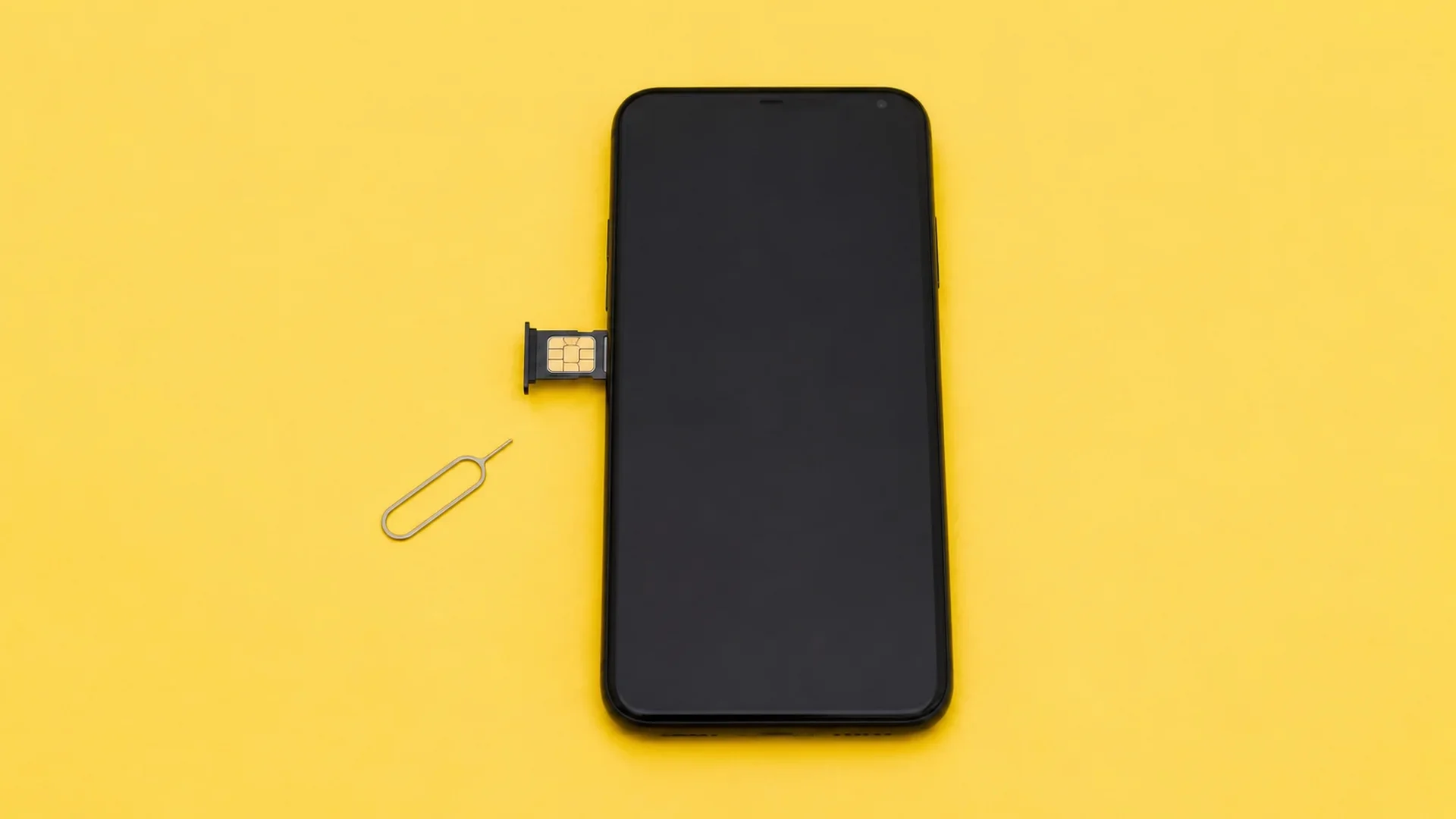
Is your device eSIM compatible?
Pick your brand, then your model: instant verdict.
Where is the SIM tray on your iPhone?
That is the first time-waster: the tray has switched sides over the generations. Apple publishes the official list, and the line falls between the iPhone 11 and the iPhone 12.
Left side: iPhone 12, 12 mini, 12 Pro and Pro Max, then everything after, iPhone 13, 14, 15, 16 and 17, including the Plus, Pro, Pro Max and "e" variants.
Right side: iPhone 11, 11 Pro and 11 Pro Max, plus every earlier model, from the iPhone XS, XR and X down to the iPhone 8, 7, 6s and older.
Source: Apple Support, remove or switch the SIM card in your iPhone, consulted on 22 August 2026.
If you cannot find any hole or slot on either edge, it is not a manufacturing defect: your model simply has no tray, and it only works with an eSIM. More on that below.
How to open the tray and change the card
The operation requires one single accessory: the eject tool shipped in the original box. Nobody knows where it is five years later, so an unfolded paperclip does exactly the same job.
Find the small hole on the edge, on the right side for your model. Insert the tip perfectly straight and push firmly but without forcing, towards the inside of the phone. The tray pops out a few millimetres, then you pull it out with your fingers.
Place the new card in the tray. A notch in one corner means it only fits one way: if it does not sit flat on its own, it is the wrong way round, do not press it in.
Reinsert the tray the same way it came out, all the way in. It too only fits in one position. The network usually comes back within seconds, sometimes after a restart.
The rat's advice: Do it over a table, never standing over a tiled floor or in an airport. A nano-SIM measures 12 by 9 millimetres and bounces remarkably well. The tray, for its part, bends if you step on it.
Which SIM card format does an iPhone use?
Every iPhone since the iPhone 5 uses a nano-SIM, the smallest physical format on the market. No point looking for a micro-SIM or mini-SIM, they do not fit.
If your carrier sends a "triple-cut" card, the nano-SIM is the smallest of the three: simply detach it from the plastic holder by pushing from the back.
One special case remains, inherited from Asian markets: Apple states that some iPhones sold in Hong Kong and Macao take two nano-SIM cards in the same tray, in place of the eSIM. A unit imported from those markets therefore behaves differently from a European model.
What do you lose when changing SIM cards?
Nothing, in the vast majority of cases, and it is the most common worry. On an iPhone, your data is not stored on the SIM card. Photos, apps, messages and settings live in the phone's memory and in iCloud.
Contacts neither, with one exception. They are tied to your iCloud account, not to the chip. The only case where contacts actually sit on the card is a very old phone they were once imported from. If that is yours, Settings then Contacts offers an import option before you remove the card.
What you do lose by removing the card is the line itself: your number, calls and texts. The phone remains perfectly usable on Wi-Fi in the meantime.
The tray will not come out, or the network does not come back
Three blockers cover almost every case, and none of them justifies forcing.
The tray resists. Nine times out of ten, the tip is not straight enough or not pushed in far enough. Try again, perpendicular to the edge. If the phone case overlaps the edge, remove it first: it is the most frequent cause.
No network after the swap. Toggle Airplane mode on and off, which forces a new carrier search. If nothing comes back, power the phone off and on. Also check the card sits flat in its tray, a slightly skewed card makes no contact.
"Invalid SIM". The message almost always signals a carrier-locked phone: it refuses a competitor's card. Unlocking is requested from the original carrier, free of charge once the commitment period has ended.
What if you never had to open the tray again?
That is the point the classic tutorials skip. Since the iPhone XS, every iPhone supports the eSIM, a SIM card downloaded directly into the phone. No tray, no paperclip, no card to drop.
Apple is clearly pushing in that direction: some recent iPhones sold in the United States no longer have a tray at all and only activate with an eSIM. The plastic card is on its way out.
In practice, two use cases replace the card swap. You can convert your current SIM card into an eSIM if your carrier allows it, which frees the tray for good. And above all, for a trip, you can add a local eSIM while keeping your home line active: no more juggling two physical cards or risking losing yours abroad.
To find out whether your model qualifies, the eSIM compatibility checker answers brand by brand. On iPhone, the fastest test remains dialling *#06#: if an EID number appears, your phone supports eSIM.
The rat's advice: Before travelling abroad, do not pull out your home SIM card to slot in a local one. You would lose your number for the whole stay, and a card stored in a toiletry bag gets lost remarkably easily. A travel eSIM alongside your usual line solves both problems.
Choosing an eSIM over a local card when travelling
If your SIM card change was motivated by a trip abroad, the eSIM is almost always the better choice: it installs before take-off, from home, and your number stays reachable.
The market has some twenty providers, between Airalo, Holafly, Saily, Ubigi, Nomad, Yesim and voilà. Each has its positioning, between unlimited data, multi-country coverage and price per gigabyte. voilà, for instance, positions itself on value for money, with an eSIM that is easy to install and an easy-to-use app, and human customer support reachable 24/7.
The right choice depends on your destination, your data volume and the length of the stay. That is the trade-off the comparator settles, with hand-checked prices: the page of compared eSIM carriers and providers gives the overview, destination by destination.
Frequently asked questions
Which side is the SIM tray on an iPhone?
How do you open the SIM tray without Apple's tool?
Do I lose my contacts when changing SIM cards?
Which SIM card format does an iPhone use?
My iPhone says "Invalid SIM", what should I do?
Do you need to turn off the iPhone to change the SIM card?
Can you replace the SIM card with an eSIM on iPhone?
Is it better to buy a local SIM card or an eSIM when travelling?
Most read
 August 18, 202614 min read
Free Mobile country list: the destinations included abroad (2026)
Free 5G+ plan: 35 GB across 117 destinations. Free Max: unlimited in over 140. The full list of included countries, the limits and the plan B.
 Rony
Rony July 28, 20267 min read
Squeezie eSIM: should you use the Saily promo code?
Squeezie sponsors the Saily eSIM with a -15% promo code. We break down the offer, compare price per GB and tell you whether it is really the best deal.
Rony August 28, 202610 min read
Free eSIM: what is actually free, and what is not (2026)
Six eSIMs with real free data, as reported on September 15, 2026, from providers, their terms and conditions, and when paying €0.80 becomes the smarter choice.
Rony August 19, 20269 min read
La Poste Mobile eSIM: not available yet, and here is when that changes (2026)
La Poste Mobile does not offer eSIM yet, only physical SIM cards. Announced launch date, alternatives and compatible phones in 2026.
Rony August 25, 202610 min read
Numero eSIM review: legit or not? What the ratings don't tell you (2026)
Suspended Trustpilot rating, 3.5/5 on the App Store, disputed charges: our full Numero eSIM review, with verified prices and the alternatives.
Rony August 26, 20269 min read
Does WhatsApp use mobile data? How much, and how to stay in control (2026)
WhatsApp eats into your data plan: from 0.01 MB per message to 20 MB per minute of video call. The numbers, the settings that save your plan, the travel case.
Rony